 FollowGrid
 5 min read

An Instagram profile might display 8,400 followers while your downloaded file contains 8,190 rows. That difference is worth checking, but the two numbers alone do not identify a cause. First compare three different quantities: Instagram's displayed follower count, the collection limit you selected, and the number of unique account rows in the downloaded file. Then check whether the task completed or stopped early.
The file tells you which accounts were collected during that export. It is not, on its own, proof that every account behind Instagram's displayed number was available and included.
Three Numbers That Are Easy to Mix Up

| Number | What it describes | What it does not establish |
|---|---|---|
| Profile count | Instagram's displayed total for that profile and list type | The exact number that a separate export will retrieve at that moment |
| Selected limit | The maximum number of accounts requested for this task | A promise that the file will contain that many rows |
| Downloaded unique rows | Accounts represented in the final file, after checking the actual data rows | Why any account is absent from the file |
Use the Followers count for a Followers export. A profile's Following count is a different list. Also watch for abbreviated displays such as 8.4K: that is not an exact integer you can subtract from an exact file count.
The on-screen preview can be shorter than the downloaded file. Open the actual CSV or Excel-compatible download and count its account rows, excluding the header. If you rely on an on-screen preview, you may mistake a display limit for a smaller export.
Check the Difference in Four Steps
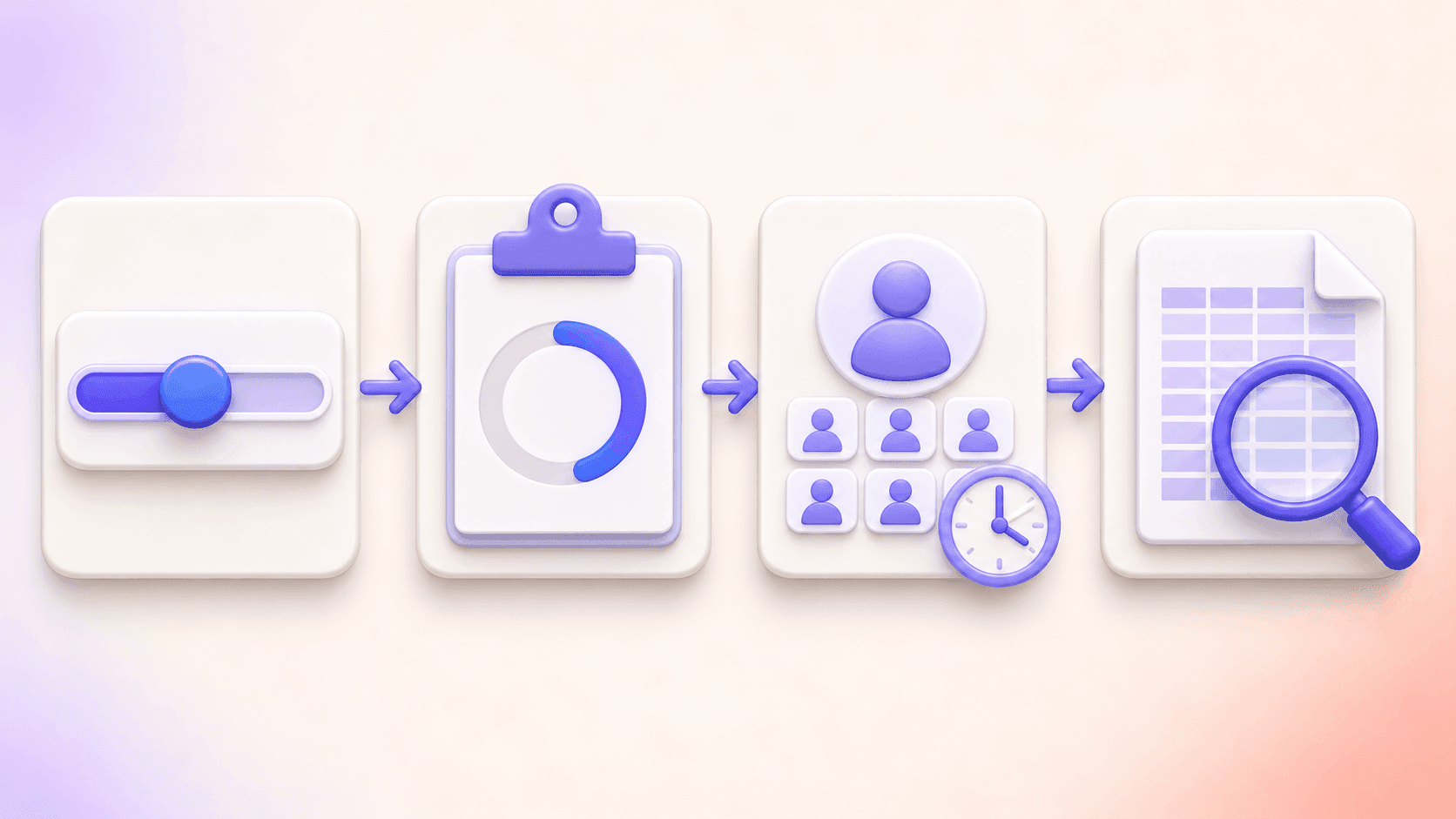
1. Did the export reach your selected limit?
Suppose Instagram displays 8,400 Followers, you select a 500-account limit, and the finished file has 500 unique accounts. The task reached the limit you chose. The remaining difference does not indicate a problem with those 500 rows; this file simply was not requested at a size that could represent the displayed total. If your current account and product options allow a larger task, you can choose one and export again.
2. Did the task finish or stop early?
If you requested 5,000 accounts but kept a result after canceling at 2,100, compare that file as a partial task result. A login interruption, timeout, or task error should also be read from the actual task status before you interpret the counts. Keep the result message or job details alongside the file. Do not label a known interruption as a mysterious profile-count mismatch.
3. Are you comparing the same profile, list, and moment?
Check the username or profile URL, whether you selected Followers or Following, and the time of the export. Counts and account availability can change. If one number came from a different profile, list type, or later page view, the subtraction is not meaningful.
4. If the task completed below the limit, what can you conclude?
Suppose Instagram displays 8,400 Followers, you select a limit above that number, and a completed file contains 8,190 unique accounts. You can say that the file contains 8,190 accounts collected during that export. You cannot tell from the 210-account gap alone whether it reflects unavailable accounts, a delay in Instagram's displayed count, access or retrieval conditions, or a combination of factors. Accounts can become unavailable through deactivation, deletion, or suspension, but the counts alone cannot confirm that for any particular account.
If you need to investigate, save the exact displayed number if available, the selected limit, task status, downloaded row count, source profile, list type, and export time. Repeat the export only if the list is still accessible and a new result would answer a real question. Describe both files as separate snapshots rather than silently replacing the first.
Count the File Without Changing It
Keep the original download. In a copy, check that your spreadsheet imported all columns and rows, then count nonblank User ID cells or another consistently populated account field. Exclude the header, and check for duplicate IDs before calling the number a unique-account count. A spreadsheet's last row number is not automatically the number of accounts if the file has a header, blanks, or duplicates.
If you import CSV into Excel, preserve User ID as text. Excel can alter long numeric identifiers during import; Microsoft's guidance explains how to prevent that. Formatting a damaged ID as text afterwards will not restore the original value.
This distinction also matters when you later compare exports. A row missing from one downloaded file may reflect different collection limits or task outcomes. It is not, by itself, evidence that an individual unfollowed an account. For a worked spreadsheet method, see how to compare two Instagram follower lists.
Frequently Asked Questions
Does fewer rows mean the export failed?
No conclusion follows from that difference alone. Check the chosen limit, task status, and downloaded file. A completed task can return fewer unique accounts than a displayed profile count without the numbers identifying a single failure.
Why does the preview show fewer accounts than my file?
A preview may show only part of a result. Count the rows in the downloaded file when assessing the export, and keep the preview count separate.
If I choose a larger limit, will I get every follower?
A larger limit removes one possible cap, but it is not a guarantee. The export remains subject to the list available to your signed-in Instagram session and the result of that particular task.
Can I use two files to tell who unfollowed?
You can find IDs that appear in one file and not the other. Before treating a difference as a relationship change, compare the same profile and list type, collection limits, task outcomes, and export dates. The files do not show an exact follow or unfollow time.
Export and Check the Result
If you need a fresh file, install FollowGrid from the Chrome Web Store, choose Followers for an accessible profile, and review the task result before downloading. Keep the file with its source, date, selected limit, and status so the row count has context.
 M
Marshall Sun
Building CommentGrid to decode social conversations. Exploring the signal within the noise of the global social web.